
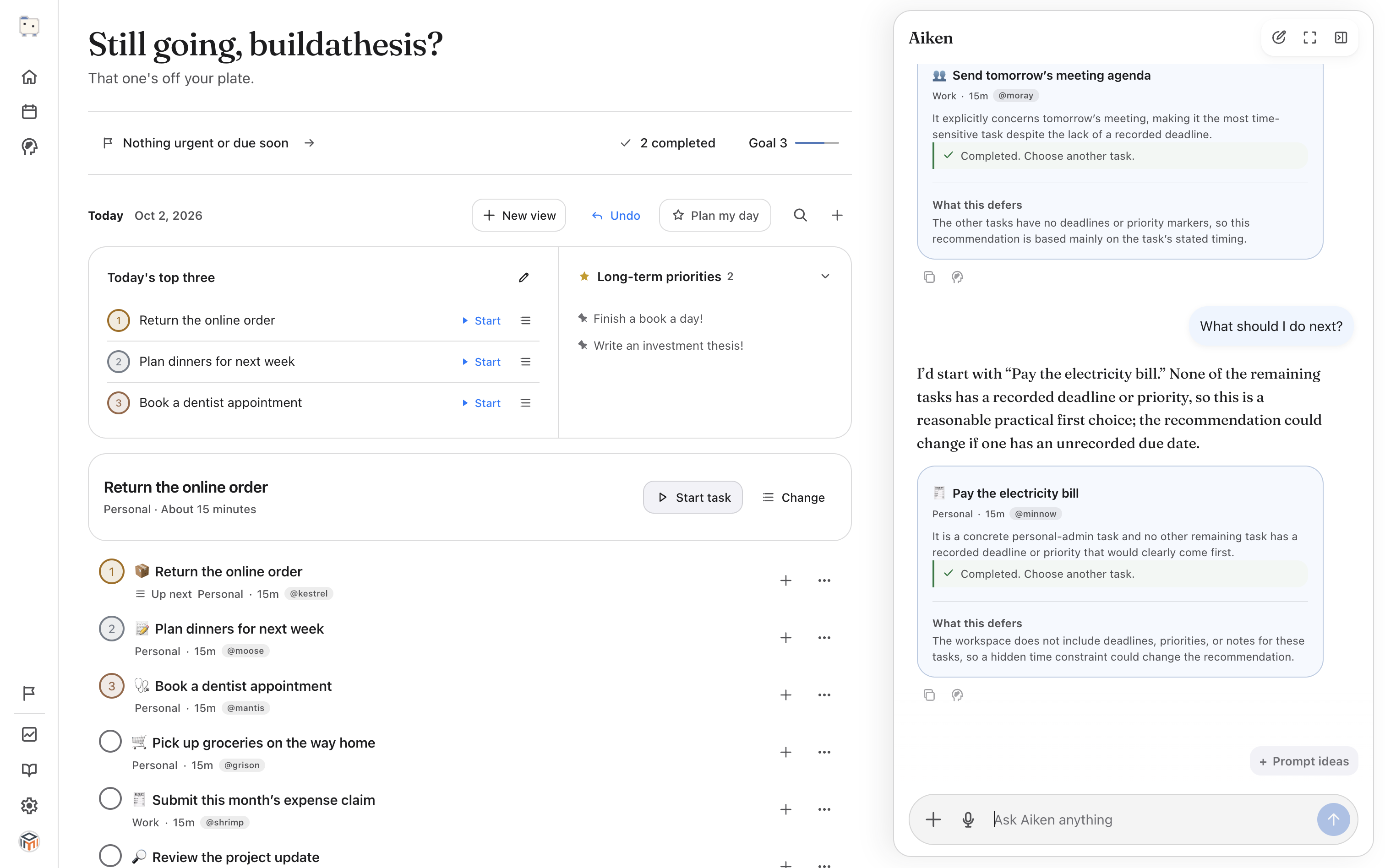
Check who is waiting
Take the client brief you've been postponing. Is the client waiting for the finished brief, or do they first need an update on when it will arrive? Read the last message before deciding what to do.
Compare that with an old reminder to reorganise your notes. Both may be marked overdue, but they don't have the same consequence. If you don't know the consequence of a delay, ask the person involved.
Choose something you can begin
Suppose the brief needs a substantial rewrite. Start by opening the client's comments and listing the requested changes. That gives you a concrete action without pretending the whole rewrite will be quick.
If you need information from someone else, asking for it may be the next task. Starting more work won't remove that dependency.
Use Help me start for a first step
In Aiken, open the task's more-actions menu and choose Help me start this task. The Choose one small step dialog lets you edit the First step field.
For a proposal, you might write: “Open the client's comments and list the three changes they asked for.” Click Add first step, or Add step and start task if you also want to begin working on it.
Use words that fit the actual task. A suggested step may need changing if Aiken hasn't seen the document or the client's request.
Work for a while, then reassess
Start the task and give that first action your attention. The task timer counts elapsed time; it is not a countdown. If you want a 15-minute reminder to check in, set an alarm separately.
Click Stop when you take a break. After the first pass, update the task with what remains or mark it Done if you've finished. You may now have enough information to estimate the rest.
Keep tomorrow's list manageable
Choose only the unfinished priorities you still want to carry over. Today's top three offers a Carry over control when yesterday has unfinished priorities; you can also use Edit priorities to change the selection.
Queue the task you want to return to next. If you're still torn, ask Aiken: “I have 20 minutes. Help me choose between these tasks, and explain what can wait.” Include any deadlines or dependencies it needs to know.